


Introduction
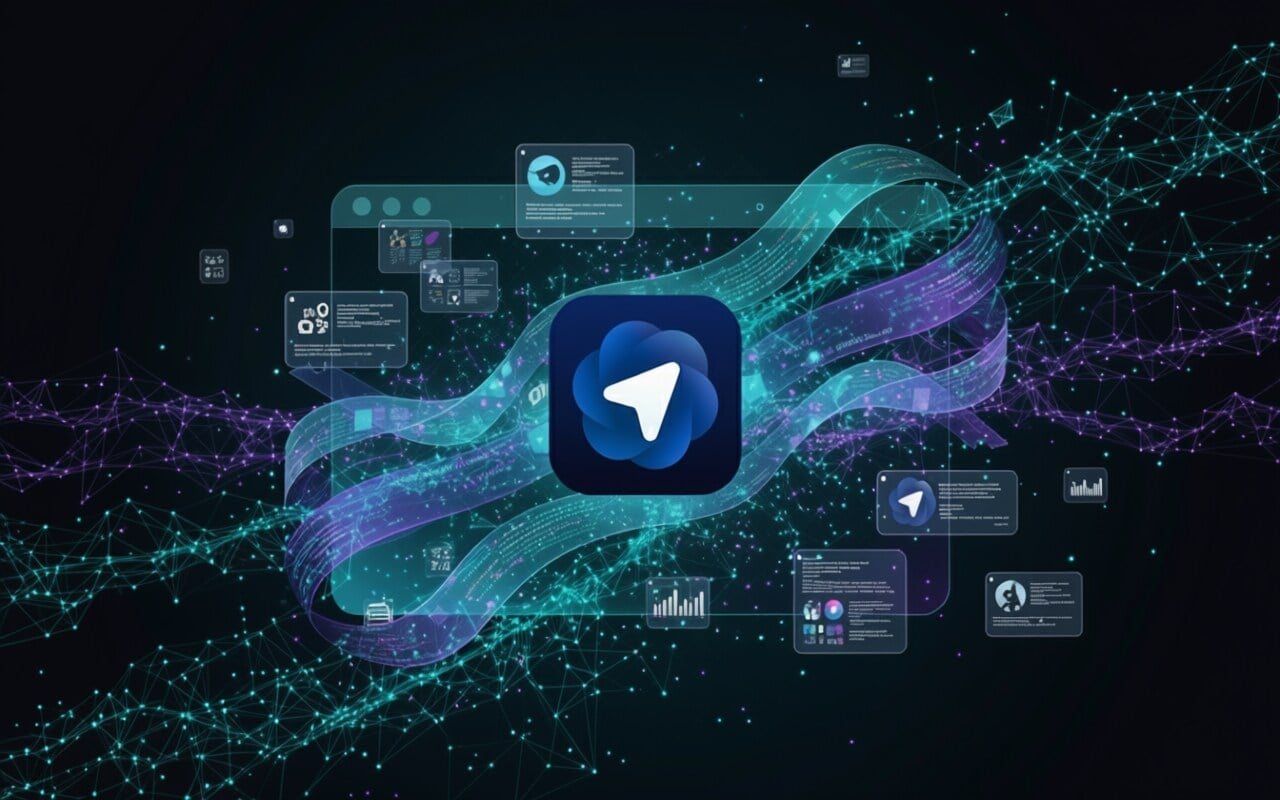
Artificial Intelligence is rapidly changing how we search, read, and interact online. OpenAI’s latest release, the ChatGPT Atlas browser, is a clear sign that the next big evolution in browsing has already begun. Designed to blend AI-driven search, contextual assistance, and privacy-focused design, ChatGPT Atlas transforms the traditional web experience into something much smarter and more personal.
Whether you’re a student researching online, a professional multitasking across tabs, or a developer testing sites, this new browser can save time, simplify work, and boost productivity. Let’s explore what makes OpenAI’s ChatGPT Atlas one of the most talked-about launches in the tech world.
What Makes ChatGPT Atlas Different from Other Browsers?
Unlike Chrome, Safari, or Edge, ChatGPT Atlas places an AI assistant directly inside your browser. Instead of opening a separate ChatGPT window or copy-pasting content for analysis, Atlas keeps the assistant active in every tab, understanding the context of your browsing.
A Browser Built Around AI
Traditional browsers rely on search engines to fetch answers. Atlas goes one step further—it reads, analyzes, and summarizes content automatically, helping you focus on results instead of endless searching. It’s not just a browser; it’s your AI-powered digital companion for smarter web exploration.
This innovation redefines how we find information, making the browsing process faster, interactive, and intelligent.
1. Built-in ChatGPT in Every Tab
The most impressive feature is that ChatGPT lives inside every tab. You don’t need separate windows, extensions, or tools. Whatever page you open, the assistant is right there—ready to help.
How It Works
If you’re reading an article, you can instantly ask ChatGPT to summarize the page, translate text, or find related insights. For professionals, this means fewer distractions and better efficiency. The built-in ChatGPT saves you from tab overload and helps you multitask smoothly.
Real-Life Example
Suppose you’re comparing products online; you can ask, “Which option has better reviews?” and Atlas instantly summarizes customer feedback from multiple pages.
2. Context-Aware AI Assistant
ChatGPT Atlas isn’t just an assistant—it’s aware of your browsing context. It knows what’s open, what you’re researching, and even your ongoing projects (if memory is turned on).
Why It Matters
This feature allows the AI to offer smarter, context-based help. If you’re writing a blog post, Atlas can fetch data from sources you already have open. If you’re reading tech news, it can suggest deeper insights, saving you from redundant searches.
Example in Use
Let’s say you’re working on a web design project. Atlas can understand your open Figma or GitHub tabs and assist with design suggestions, color palettes, or code snippets.
3. Memory-Powered Browsing Experience
ChatGPT Atlas introduces browser memory, one of its most futuristic features. It keeps track of your browsing patterns, favorite sites, and even previous research sessions.
Smarter Recall for Busy Users
You can say, “Show me the articles I read about AI marketing tools last week,” and Atlas will instantly bring them up. This is extremely useful for content creators, students, and analysts who revisit the same research frequently.
Your Privacy, Your Choice
The best part? Memory is optional. You can enable or disable it anytime and even clear past sessions easily from the settings. OpenAI has clearly designed this with transparency and data control in mind.
4. Natural-Language Commands for Automation
Atlas lets you browse the internet like you talk to a friend. Instead of clicking menus, you can use natural-language commands to control your browsing.
How It Improves Productivity
- “Open all the pages I read about trading strategies yesterday.”
- “Summarize this news article for my presentation.”
- “Find similar websites about AI browsers.”
Bonus: Agent Mode for Paid Users
OpenAI also introduced an Agent Mode, allowing the browser to take certain actions automatically, like booking tickets, researching hotels, or shopping online. This turns Atlas into a personal AI-powered task assistant.
5. Chromium Foundation with Full Privacy Controls
Atlas is built on Chromium, the same open-source engine that powers Google Chrome and Microsoft Edge. This ensures that it’s compatible with most web standards, Chrome extensions, and modern websites.
Performance and Security Combined
Because it’s Chromium-based, you’ll get the same speed, reliability, and compatibility—but with AI enhancements and better privacy. Atlas gives users control over what data is stored, how memory works, and whether the assistant can access browsing context.
Privacy Built for the Future
OpenAI clearly states that browsing data is not used for model training unless you explicitly allow it. This commitment to privacy helps users trust Atlas as both a productivity tool and a secure browser.
Why ChatGPT Atlas Is a Game-Changer
The launch of ChatGPT Atlas is more than just a product update—it’s a paradigm shift in how we use browsers. Traditional browsers simply show content; Atlas understands and interacts with it.
The AI-Driven Shift
By integrating intelligent assistance directly into the browsing process, OpenAI has positioned itself to compete with giants like Google and Microsoft in the browser ecosystem. As AI tools become everyday companions, browsers like Atlas are expected to lead the next digital transformation.
Benefits for Everyday Users
For casual users, it simplifies web navigation. For professionals, it enhances productivity. And for developers and creators, it introduces new possibilities in automation and intelligent browsing.
How ChatGPT Atlas Benefits Businesses and Website Owners
AI browsers change how users discover and consume content. With ChatGPT summarizing pages, websites now need to ensure that their content is clear, structured, and easily interpreted by AI.
SEO and Content Optimization
When AI browsers read your site, they look for proper headings, concise sections, and meaningful keywords. So, using short-tail keywords like AI browser, ChatGPT browser, OpenAI Atlas, and AI web assistant helps your website stand out in AI-powered results.
Impact on Web Design
For web designers, this means creating websites that are not only visually appealing but also machine-readable. Clean code, fast loading speeds, and structured markup will make your site more visible to AI-driven tools like ChatGPT Atlas.
The Future of Browsing with AI
Experts believe AI browsers will soon become the norm. ChatGPT Atlas is only the beginning of a shift where search engines, browsers, and assistants merge into a single intelligent experience.
What to Expect Next
Future updates may include real-time collaboration tools, AI-powered bookmarks, and deeper personalization. As AI evolves, the gap between user intent and digital response will shrink dramatically—making browsing smoother than ever.
Conclusion
The ChatGPT Atlas browser isn’t just another OpenAI experiment—it’s a complete reimagination of how people browse the internet. Its five standout features—integrated ChatGPT, context awareness, memory, natural-language commands, and privacy-first design—make it one of the most advanced tools for smart, secure, and efficient browsing.
Whether you’re browsing casually or working on complex projects, Atlas saves time and enhances productivity by turning web exploration into an interactive, intelligent conversation.
As AI continues to shape the future of the web, adopting tools like ChatGPT Atlas will help professionals, creators, and businesses stay ahead of the curve.
FAQs
Have questions? We’ve answered some of the most common queries to help you understand the topic better
Q1. What is ChatGPT Atlas?
It’s OpenAI’s new AI-powered web browser with ChatGPT built directly inside
Q2. Is ChatGPT Atlas free to use?
Yes, it’s free for basic users, with advanced features available for paid subscribers.
Q3. Does ChatGPT Atlas work on Windows?
Currently available for macOS, with Windows and mobile versions in development.
Q4. Does Atlas collect browsing data?
Only with user permission; memory and data can be deleted anytime.
Q5. Why is ChatGPT Atlas different from Chrome?
It uses AI to understand, summarize, and automate your browsing in real time.
Want To Grow Your Business - Connect With KTPL
KTPL – Business Growth Agency, a creative solutions and business growth agency from India.
👉 Visit https://kirnanitechnologies.com
📞 Call us at +91 95093 33000
📧 Email us at contact@kirnanitechnologies.com


